
1.1. Telefon im Überblick
Unify OpenStage 15:
)
| Pos. | Description |
| 1 | Using the receiver to phone as usual. |
| 2 | The display supports you intuitively in operating the phone. |
| 3 | Use the audio keys for optimal use of your phone’s audio features. |
| 4 |
|
| 5 | The dial pad is used to enter phone numbers/codes. |
| 6 | Use the navigation keys to operate the phone. |
| 7 | Program functions to the freely programmable keys. |
 Mail box key
 Menu key
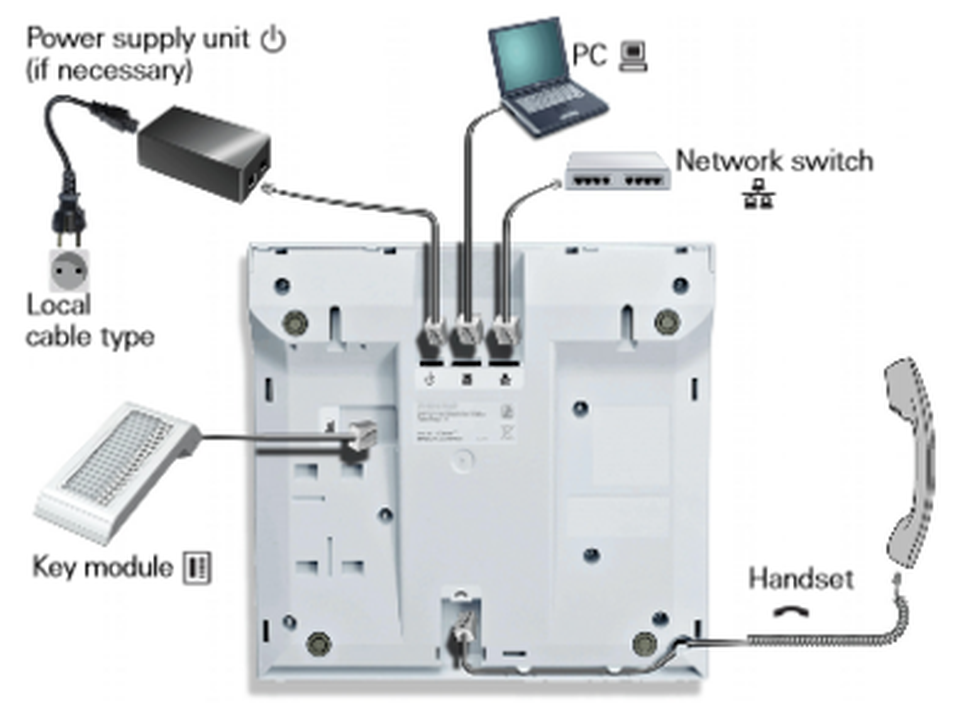
The Unify OpenStage 15 can be expanded with the Unify OpenStage Key Module 15 (expansion keypad).
Unify OpenStage 20:
)
| Pos. | Description |
| 1 | Use the receiver to place and answer calls. |
| 2 | The tilting display supports you intuitively in operating your phone (2-line display, max. 33 characters each). |
| 3 | Use the function keys to access functions commonly used during calls. |
| 4 |
|
| 5 | Use the audio keys for optimal use of your phone’s audio features. |
| 6 | Use the 3-way navigator to conveniently navigate the applications of your phone. |
| 7 | The keypad is used to enter phone numbers and text. |
| 8 | The call indicator visually indicates incoming calls. |
 Mail box key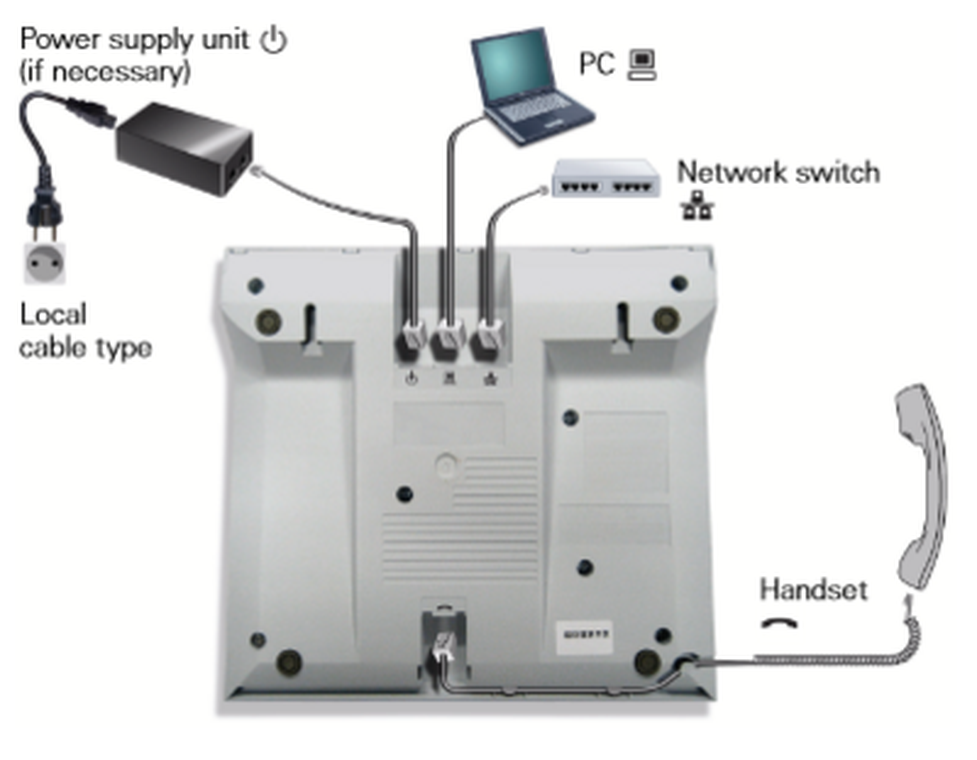
Unify OpenStage 40:
)
| Pos. | Description |
| 1 | Use the receiver to place and answer calls. |
| 2 | The tilting display supports you intuitively in operating your phone. |
| 3 | Program freely programmable sensor keys with personal phone numbers and functions for your personal needs. |
| 4 | Use the function keys to access functions commonly used during calls (e.g. end) along with the service menu and mailbox. |
| 5 | Use the audio keys for optimal use of your phone’s audio features. |
| 6 | Use the 5-way navigator to conveniently navigate the applications of your phone. |
| 7 | The keypad is used to enter phone numbers and text. |
| 8 | The call indicator visually indicates incoming calls. |
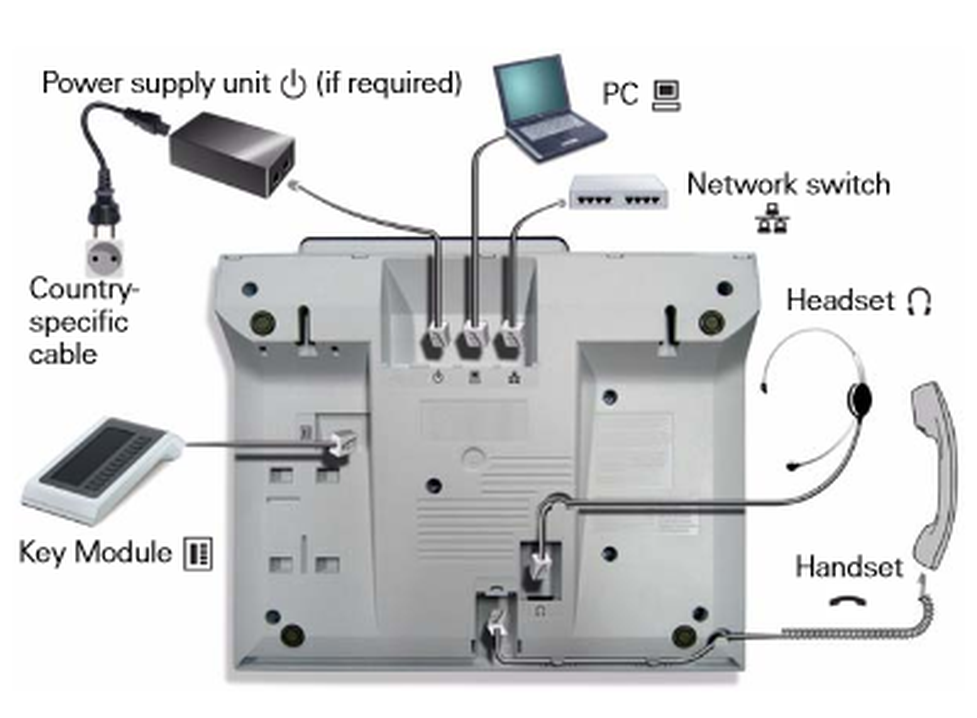
Expand the Unify OpenStage 40 with the Unify OpenStage Key Module 40 (keypad expansion).
Unify OpenStage 60:
)
| Pos. | Beschreibung |
| 1 | Use the receiver to place or answer calls. |
| 2 | The large graphic display supports you intuitively in operating your phone. |
| 3 | Use the mode keys to conveniently operate your phone’s applications. Pressing repeatedly pressing will successively select the tabs within a function. |
| 4 | Use the TouchGuide to conveniently navigate your phone’s applications. |
| 5 | Program freely programmable sensor keys with personal phone numbers and functions for your personal needs. |
| 6 | Use the function keys to access features commonly used during calls (e.g. end). |
| 7 | Use the audio keys for optimal use of your phone’s audio features. |
| 8 | Use the TouchSlider to adjust the respective current volume (e.g. phone ringing - ringer volume). |
| 9 | The call indicator visually indicates incoming calls and new voicemail messages. |
| 10 | The keypad is used to enter phone numbers and text. |
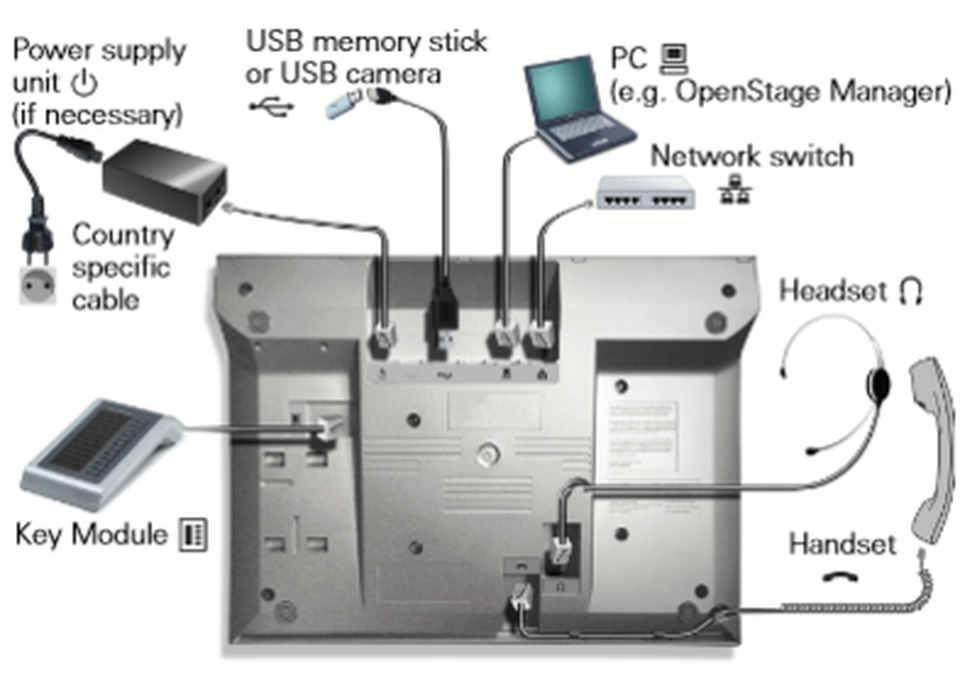
The Unify OpenStage 60 can be expanded with the Unify OpenStage Key Module 60 (keypad expansion).
 .
. .
. .
. , wenn Sie ihr Headset angeschlossen haben.
 -Taste. Im Display des Telefons wird Ihnen nun "Telefon gesperrt" angezeigt.
 , um ins Optionenmenü zu gelangen.